Safety Configuration for KUKA Robots
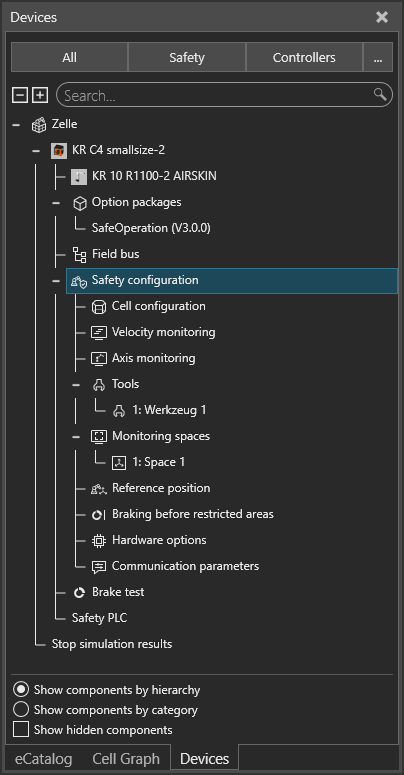
Under KUKA, safety configurations can be created for the selected robot using Work Visual.
A work cell is created automatically. Tools and so-called axis-specific and Cartesian spaces can be created for this cell.
These spaces are divided into working spaces, where the tool is allowed to be located, and protected areas, which the tool is not allowed to enter.
This video from the Visual Components Academy explains exactly how this function can be activated.
Functionality
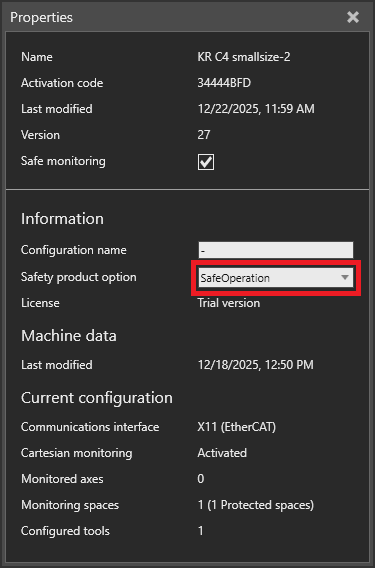
If the “Safety Operation” option was selected during setup, the plugin can process the created safety configurations.
Info
Currently, only Cartesian definitions are taken into account in the safety configuration.
The created axis spaces and settings for acceleration and deceleration ramps are not currently considered in the backend and must be checked manually in the simulation environment.
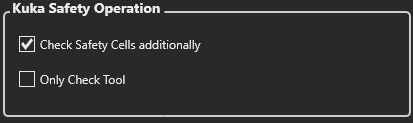
The processing of the safety configuration can be activated or deactivated in the settings.
In addition, you can select whether only the tool specified in the safety configurations should be considered or the entire robot and tool.